Device Advice
2019-10-21 14:00:00
2019-10-21 15:00:00
America/New_York
Device Advice
What’s the best new device for me? How do I make this thing work? Walk in anytime during this casual and relaxed session to get guidance about smartphones, tablets, and laptops.
Main Library - Collaboration Room A (Computers and Media), 1st Floor
Monday, October 21
2:00pm - 3:00pm
Add to Calendar
2019-10-21 14:00:00
2019-10-21 15:00:00
America/New_York
Device Advice
What’s the best new device for me? How do I make this thing work? Walk in anytime during this casual and relaxed session to get guidance about smartphones, tablets, and laptops.
Main Library - Collaboration Room A (Computers and Media), 1st Floor
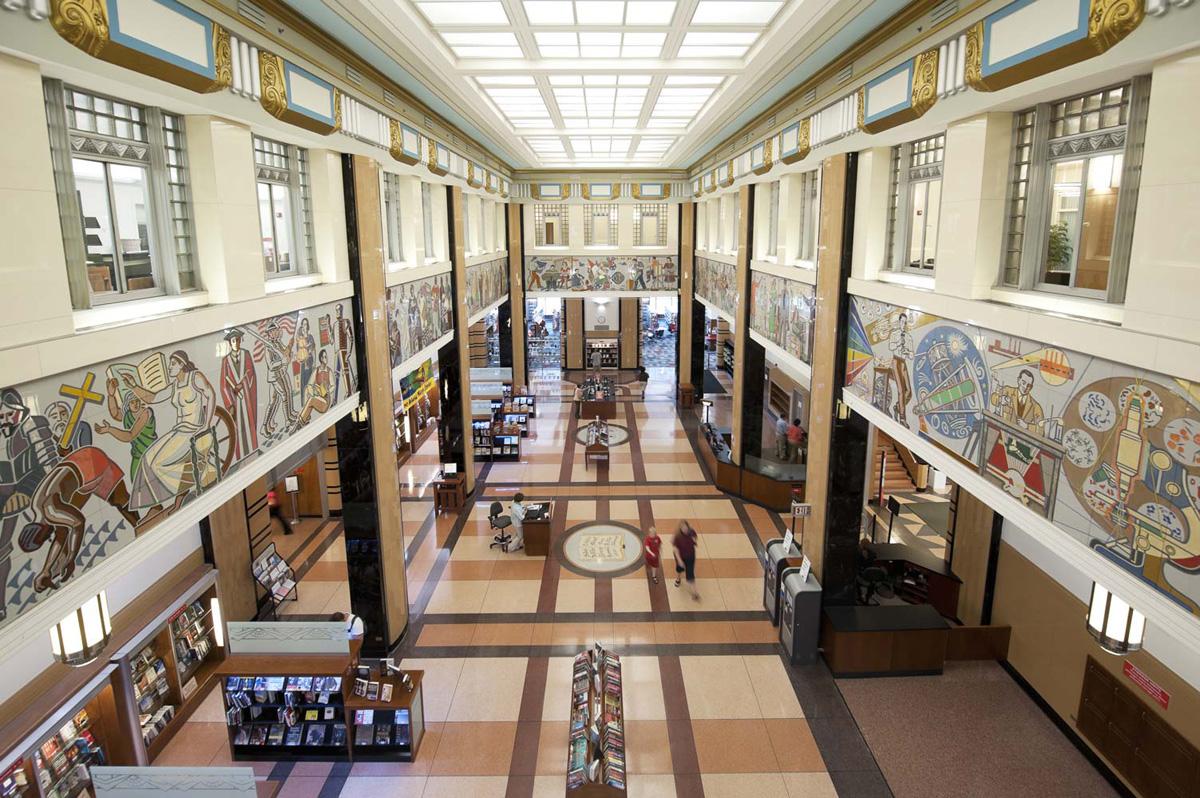
Main Library
Collaboration Room A (Computers and Media), 1st FloorWhat’s the best new device for me? How do I make this thing work? Walk in anytime during this casual and relaxed session to get guidance about smartphones, tablets, and laptops.
Do you have questions about a smartphone, tablet, or laptop? Need information on the best new device for you? Our Device Advice sessions are free and open to the public. Customers can walk in anytime during the session and get guidance and answers in a casual and relaxed format.
Main Library
Hours
About the branch
- 69 Windows PCs
- 36 Windows laptops
- 16 MACs
- 20 children’s PCs
- 6 children's early learning stations
- 2 book scan stations
- Making equipment
- Free Wi-Fi
- 100 person Community Room
- 214 person Large Glass Room
- 312 person McMaster Center
- 200 person McMaster Lobby
- Faxing, copying, scanning
- ToleGo Public Bikes
- 300 parking spots (includes 9 handicapped accessible spots)
- 2 electric vehicle charging stations
- 10 bicycle spots